

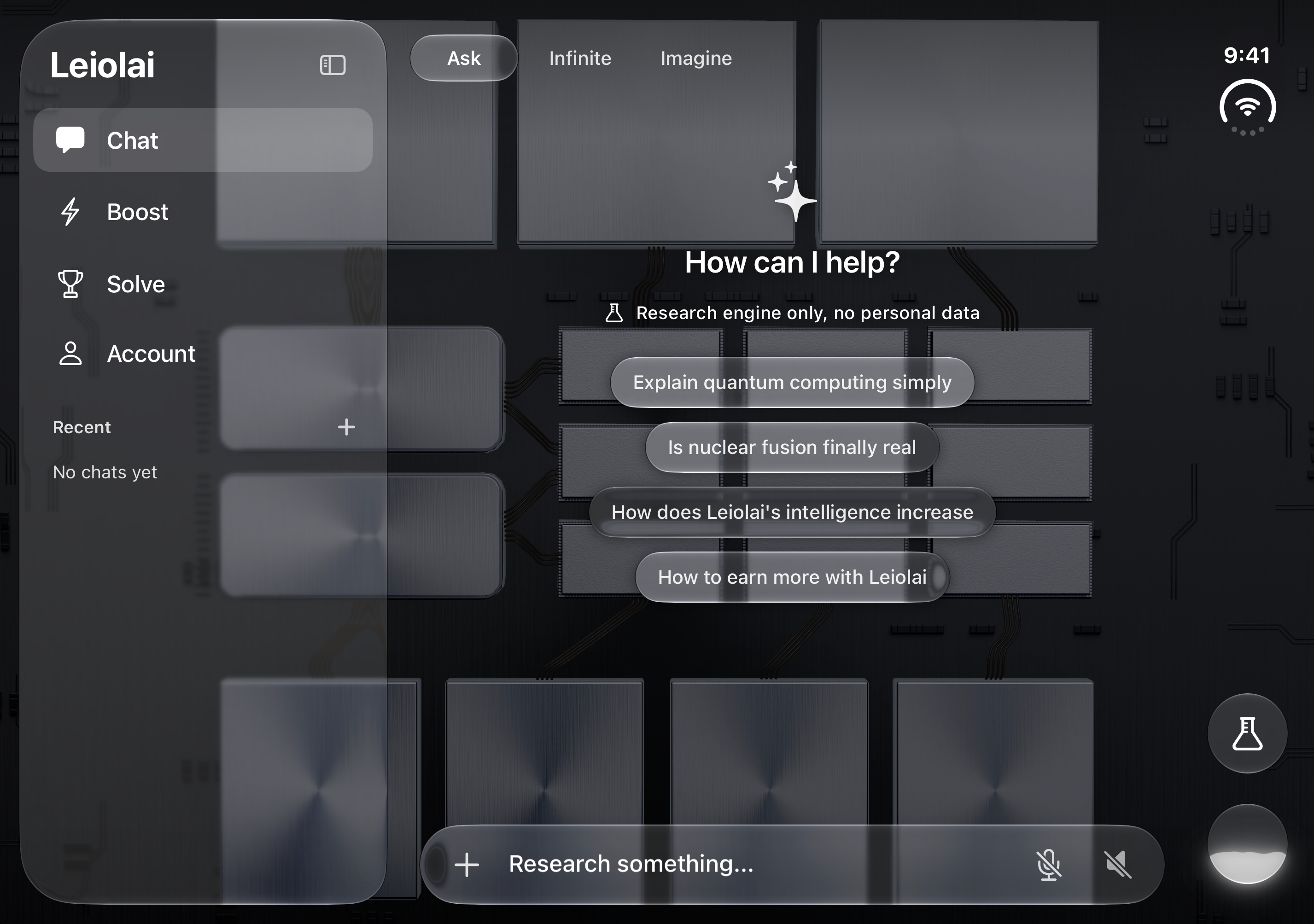
We kept the die artwork in proportion across Duo’s displays. On the open inner display, we added a sidebar for recent chats. In seated mode, we moved the composer and navigation below the fold.
What’s the difference between Graphite and Silicon?
For Graphite, we used metal dies against a black backboard. We kept their edges and the fine traces visible beneath the sidebar, question pills and composer, which use Apple’s native Liquid Glass.1
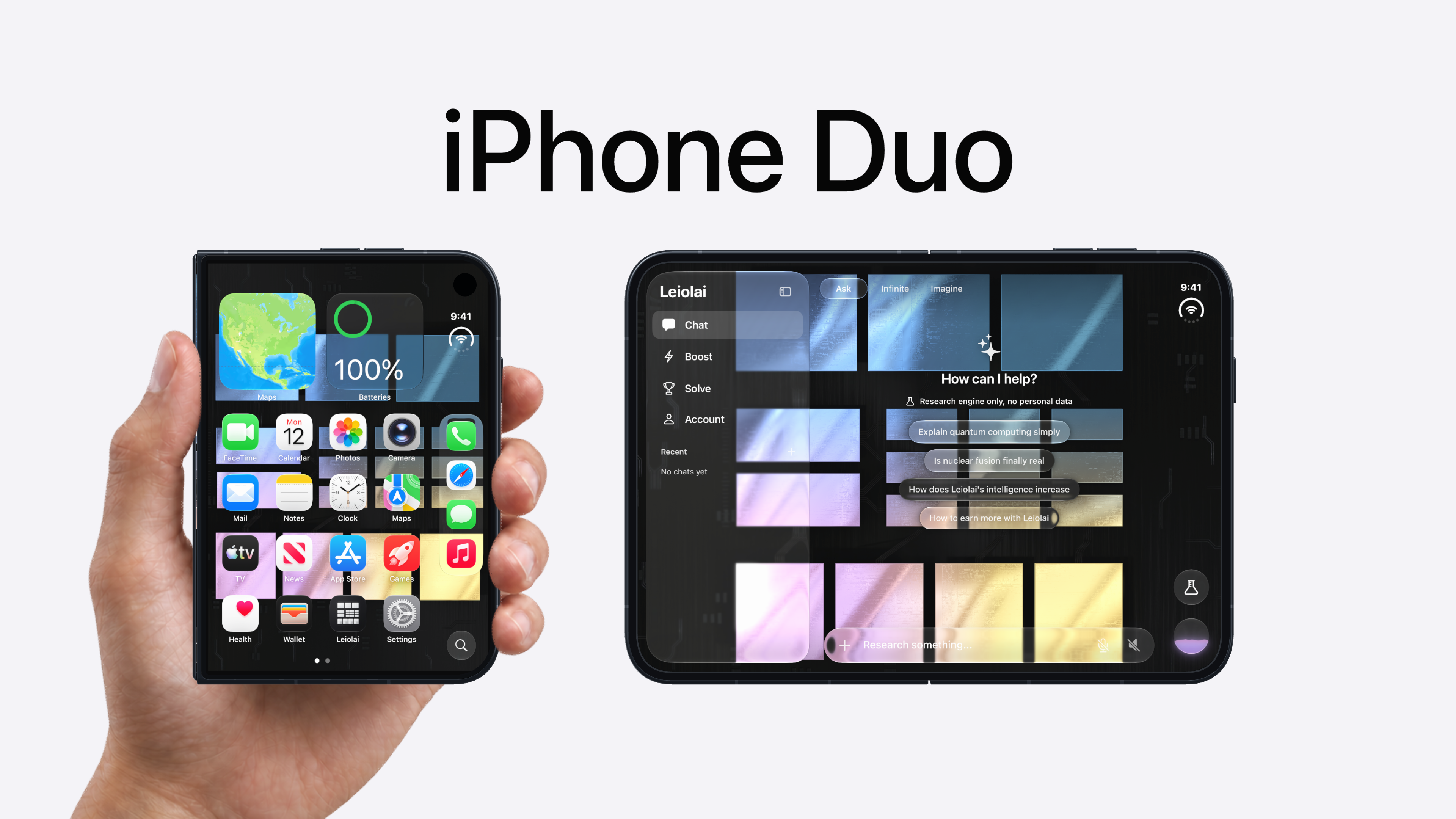
We gave Silicon an iridescent finish, so you’ll see its colors change as you tilt your phone. The chat controls use the same clear glass.
What moves when you tilt the phone?
Your phone’s tilt changes the metal highlights and the angle of the liquid in the effort selector.
How did the inner display layout change?
Recent chats gained a sidebar beside the conversation. Ask, Infinite and Imagine stayed along the top edge. The composer used the lower edge, with the effort selector on the right. Boost remained in the sidebar.
In portrait, the die arrangement was centered vertically and fitted with room around its edges. The layout kept all four starter questions visible.
What goes on each half in seated mode?
We fitted the conversation, all four starter questions and die artwork to the upright half. The composer moved below the fold, above the mobile navigation for Chat, Boost, Solve and Account. The experiment control sat above the effort selector on the lower right.
The backboard continued across the fold. Tapping the composer opened the keyboard and hid the navigation while typing. This division kept the conversation on the upright display and the controls near your hands, following Apple’s guidance for seated experiences.2